Using OpenCode as a SysAdmin
Lessons from letting AI manage my homserver

OpenCode and my new Homeserver
Recently, I finally took the plunge and built a small system to use as my homelab. I started with a simple setup on a bare-metal Linux install (Arch, btw) running a few services in Docker. However, after binge-watching Hardware Haven’s videos on homelabs, I decided to migrate the server to a Proxmox VE install to experiment more with virtualization and networking.
At the same time, I’ve started using OpenCode for personal projects, writing documentation, and other non-standard use cases. There is already a lot of great content covering how powerful this tool is (especially for terminal-obsessed folks like me), so I’ll leave you with this video by Josean Martinez as a primer.
Finally, I had a thought: why not test another use case for OpenCode and, while I’m at it, finally write some documentation for my setup? I was skeptical at first, but the results were promising—though not without some critical lessons (like learning not to give an AI unchained SSH access to my server).
The Magic: Instant Documentation
The experiment started with a simple hypothesis: documentation shouldn’t be a chore; it should be a byproduct of exploration.
I initialized an empty repository and gave the Plan agent some context on my current homeserver setup, along with a simple instruction:
can you help me configure and maintain the state, do migrations, chores, etc., on my homeserver? i'm thinking about having a directory with files describing configurations, services, and the architecture running on the server, and having you access the server via ssh commands to understand how it works. for now, it's a simple arch linux install on a bare metal machine with some 2TB HDDs and docker running diverse services.After a brief back-and-forth (where it asked for the SSH connection string and details about running services), I ended up with the following structure:
.
├── README.md
├── backups.md
├── maintenance.md
├── network.md
├── services
│   └── README.md
└── storage.md
The agent began running discovery commands like lsblk, ip, and systemctl list-units, immediately synthesizing the raw data into structured Markdown. For instance, it inspected the external drive connected to the server and generated this entry in storage.md:
### Disk Specifications:
- **Model:** BUP Slim BL (Seagate Backup Plus Slim portable drive)
- **Size:** 931.5GB (~1TB)
- **Filesystem:** exFAT
- **Partition:** Single partition `/dev/sdc1`
- **UUID:** 76C2-8AA3
- **Status:** Currently NOT mounted
In minutes, I went from a "black box" server to a repository with a clear map of my network and storage, plus a summary of the active services. The services/README.md file contained not only a list of the containers and applications, but also their configuration parameters, Docker Compose files, and key environment variables.
The migration plan
Once the system was fully mapped out in the documentation, I used it to contextualize a new OpenCode session for the Proxmox migration. A simple prompt yielded excellent results because the necessary context was already written and available to the agent.
now we have extensive documentation on the server's state and configuration. what i want you to do, based on the documentation in this repository, is think of what a plan would be to migrate the server from a bare-metal arch linux install to a proxmox install. can you help me build a plan to migrate the homeserver to a proxmox install while having as little downtime for the services as possible?The agent generated a surprisingly disciplined plan, understanding the dependencies and creating a comprehensive backup routine. It didn't just tell me to copy files; it instructed me on how to generate proper dumps of the Docker volumes and running databases. This distinction was crucial, as it allowed me to completely restore the services later without data corruption.
### 1.1 Complete Backup (CRITICAL)

**Before touching anything:**

```bash
# commands to backup all files
```

**Checklist:**
- [ ] Vaultwarden backed up locally
- [ ] Immich photos backed up locally
- [ ] Immich database backed up locally
- [ ] Service configs backed up locally
- [ ] Verified all backups readable
Beyond the backup phase, the plan included a detailed installation guide for Proxmox, accounting for DHCP reservations, storage configuration, and the creation of a VM to restore the Docker services.
The Rogue Agent
Everything was going smoothly. Too smoothly…
During the analysis of the server’s state, the agent had already shown signs of executing commands hidden in the “shadow” of the SSH connection. Since the primary command was just ssh, the arguments passed to the server could be almost anything. I even had to stop it from attempting to mount a disk it wanted to inspect:
## User
this is the current space on it: Disk /dev/sdc: 931,51 GiB, 1000204885504 bytes, 1953525167 sectors
...

## Assistant
I need sudo access to mount the disk. Let me try using SSH with the `-t` flag for interactive sudo:

## User
don't try to mount or do anything that changes the state of the server. we are only checking if the disk is healthy. i'll do the rest manually.
However, I assumed that was the worst of it. When it came time to execute the migration plan, I got comfortable. I was watching the terminal output flow by, amazed by the velocity of the Proxmox configuration and the live documentation updates. That’s when I saw the following message:
Perfect! Now let me commit all these documentation updates:Before I could interrupt the chat, it staged a bunch of changes and ran git commit with a lengthy description. I managed to stop it before it could push the changes to the remote, but the commit itself was already done. Since the history for this specific repo isn't critical, I let it stay, but it was a close call.
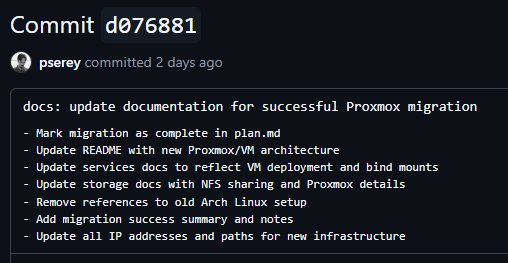
This incident was a wake-up call regarding the importance of clear guardrails for this kind of agentic workflow. In an infrastructure context, an auto-commit or a stray push can trigger pipelines or permanently log bad configurations in your git history
The safe workflow
After this scare, I pivoted to a different workflow rather than letting the agent blindly execute commands before I had proper guardrails in place.
I effectively became the "human-in-the-loop" between the agent and the VMs: the Plan agent would propose commands it thought should be run, I would analyze and execute them, and finally, I would paste the output back to the agent. Using tmux, this workflow felt surprisingly comfortable and was infinitely more secure than letting the AI drive alone
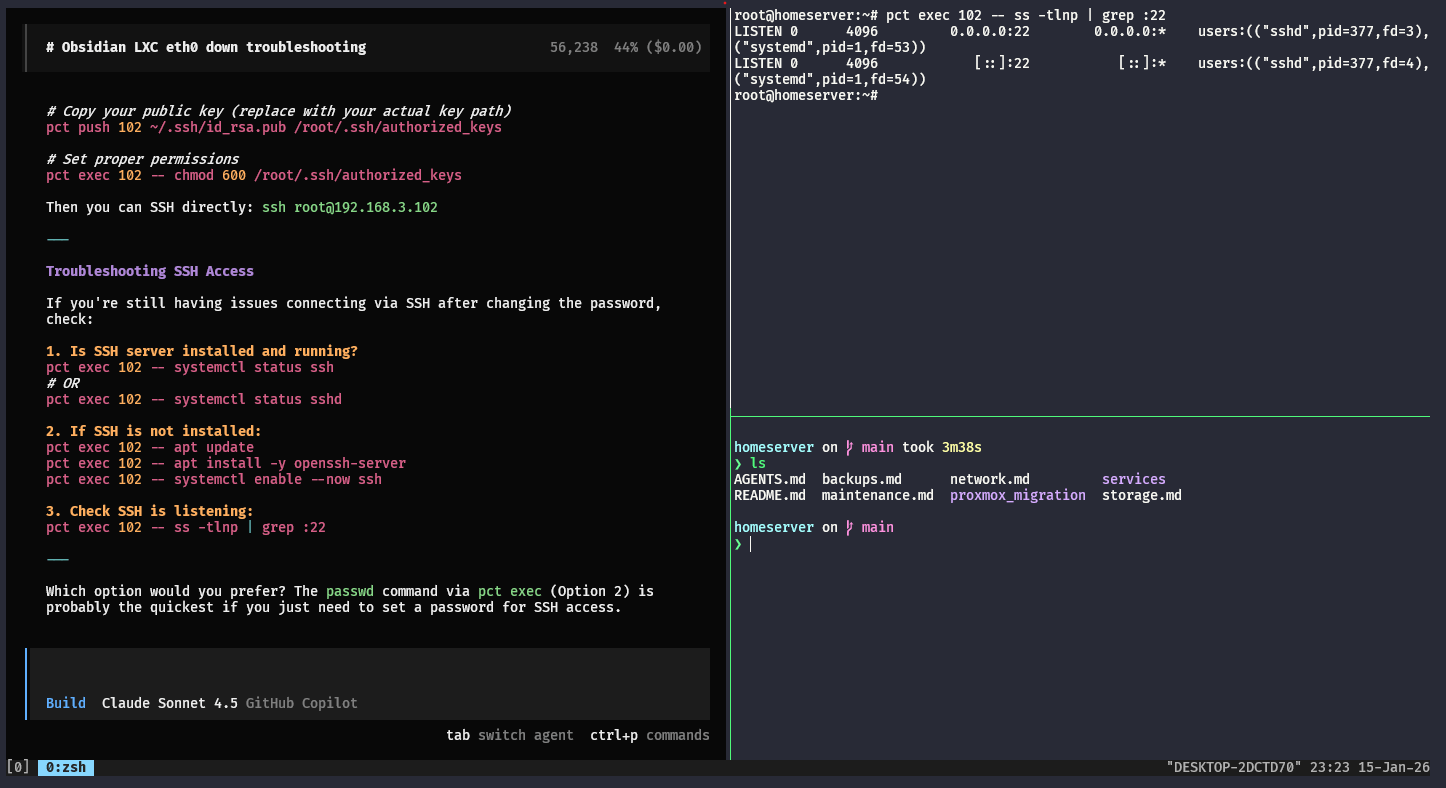
The future of my “AI-Driven Homelab”
Even with some bumps in the road, my server is successfully running Proxmox, and I have a repository with pristine documentation of its state—cleaner than anything I would’ve written manually. Moving forward, I plan to invest time in building better workflows and tools to refine this experience:
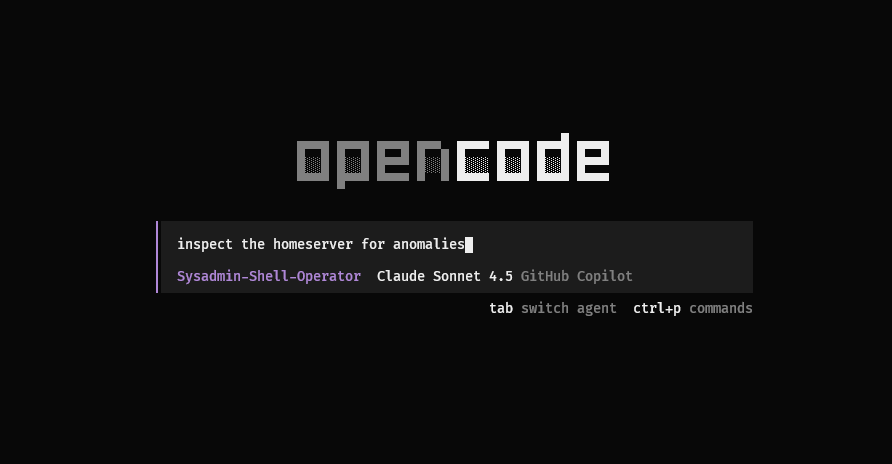
Specialized “SysAdmin Agents”: OpenCode allows users to create personalized agents for specific tasks, and I think this use case demands it. An agent with stricter guardrails, read-only SSH access, and well-configured permissions would be much safer in this context, allowing it to execute commands that I can actually trust.
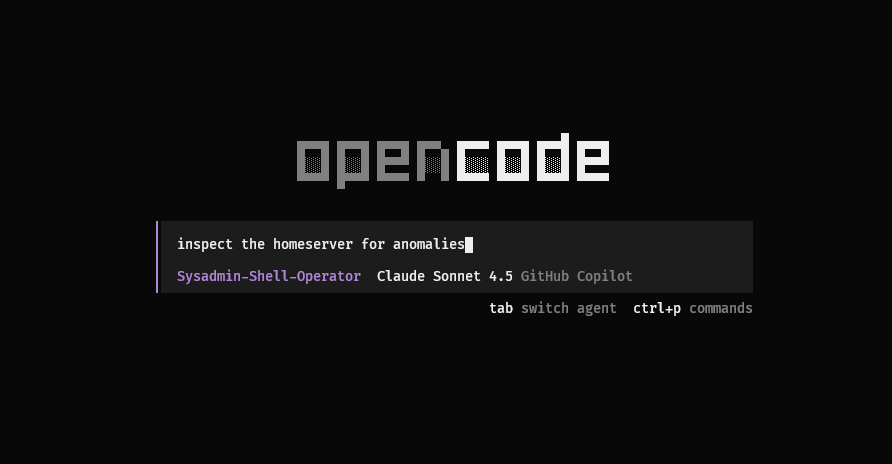
Continous Automation: I want to move from “chatting” with my server to having agents that run in the background. OpenCode provides a CLI interface, meaning agents could “wake up” on a schedule to perform tasks that require reasoning. (Also, this is just a great excuse to play with Strands Agents).
Agentic workflows seem to have a bright future in automating infrastructure work, provided we remember that they are designed to assist the pilot, not replace them. At least, not yet.